
Back to resource library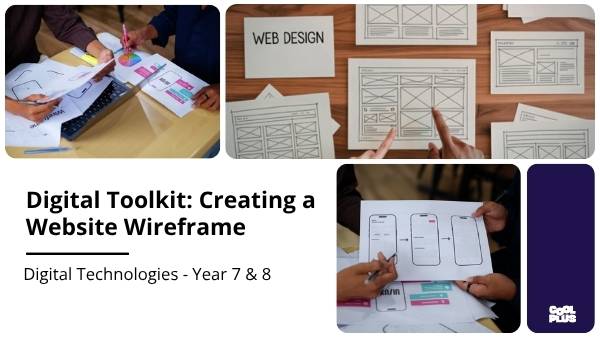
 Slide 2
 Slide 3
 Slide 4
 Slide 5
 Slide 6
 Slide 7
 Slide 8
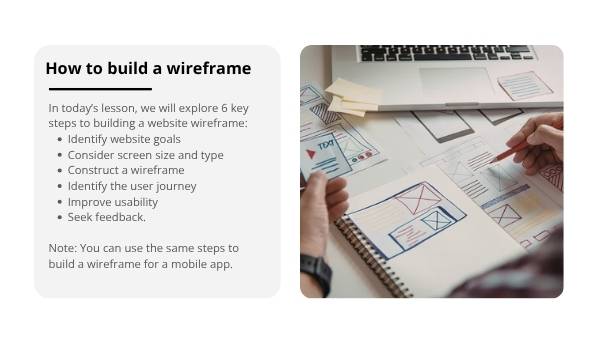 Slide 9
 Slide 10
 Slide 11
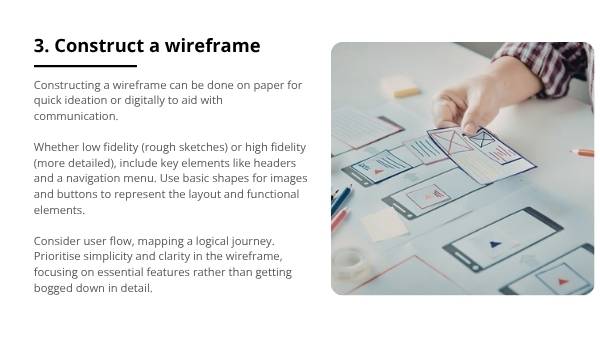 Slide 12
Slide 1 of 17
Digital Toolkit: Creating a Website Wireframe Education Presentation
16 more slides in this deck
Slide 2Slide 3Slide 4Slide 5Slide 6Slide 7Slide 8Slide 9Slide 10Slide 11Slide 12+5 moreslides

Designed by
The Team from CoolPlus
Presentation
Digital Toolkit: Creating a Website Wireframe Education Presentation
Technologies · Presentation
Year 9Design ThinkingDigital LiteracyWorld Innovation & Creativity Day
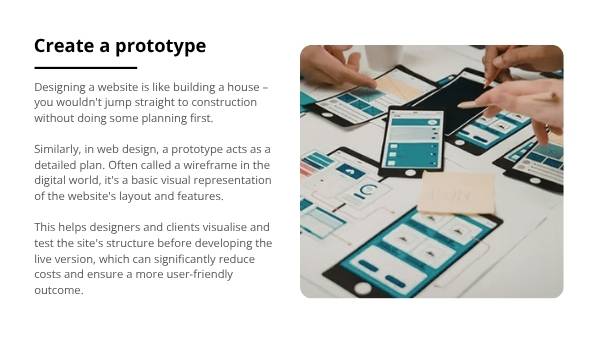
Empower Year 8 students to design digital systems. This presentation teaches wireframing (prototyping) for websites/apps, covering 6 key steps and real-world examples. Students will design user experiences, satisfying criteria using digital tools and planning skills.
Curriculum link
design the user experience of a digital system (AC9TDI8P07)